

 All Articles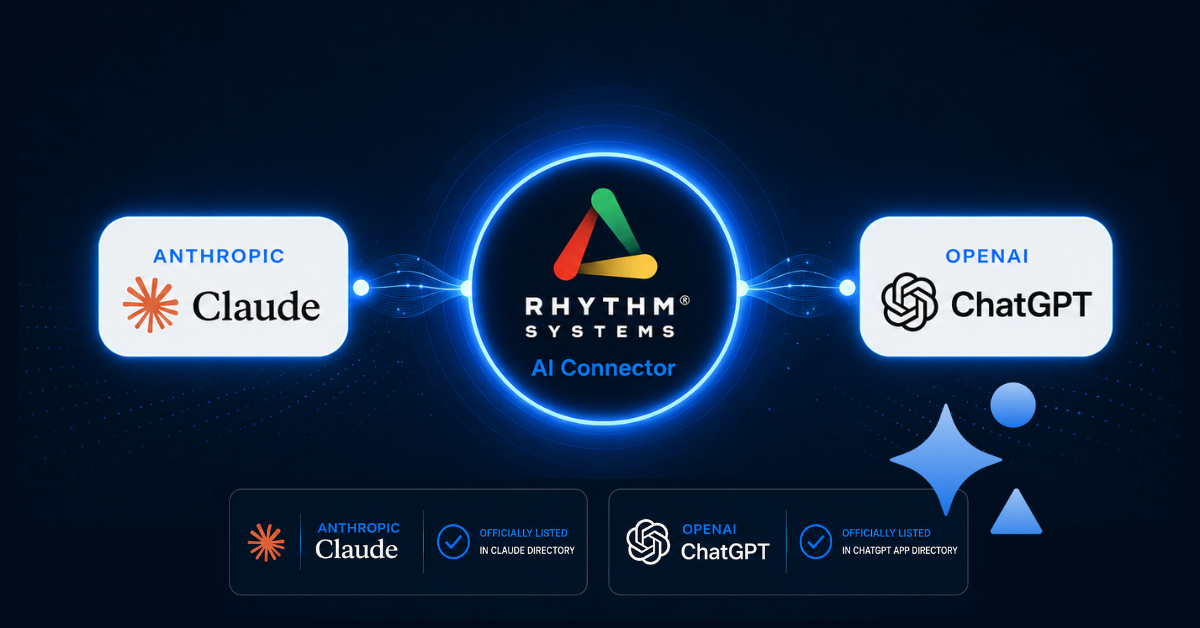

The Rhythm AI Connector is now discoverable and connectable directly from inside Claude and ChatGPT
Rhythm Systems has announced that the Rhythm AI Connector, an MCP (Model Context Protocol) integration that connects the Rhythm strategy execution platform directly to AI tools, has been officially reviewed, approved, and listed by Anthropic in the Claude connector directory and by OpenAI in the ChatGPT app directory.
Rhythm customers can now find and connect the Rhythm AI Connector directly from inside Claude or ChatGPT, without manual configuration or technical setup.
The listings follow the Rhythm AI Connector's general availability launch in June 2026. Anthropic and OpenAI each conducted independent reviews of the Rhythm MCP server before including it in their respective directories — marking the first time a strategy execution platform has earned native listings in the official directories of both companies.
Finding Rhythm Systems in the Claude and ChatGPT directories and connecting is straightforward — no MCP configuration or custom technical setup is required. On some Claude (Team/Enterprise) and ChatGPT (Business/Enterprise) workspaces, an administrator may need to enable the Rhythm connector/app and approve tool permissions before members can connect. Rhythm is available as a directory connector on all Claude plans, including Free; Free accounts are limited to one connector slot. ChatGPT Free users can also connect Rhythm from the directory without limit.
The timing reflects a critical window for mid-market companies. According to a joint study by VirtuousAI and Chief Executive surveying more than 300 mid-market CEOs, only 7% are currently incorporating AI into their strategy execution. Official directory listings remove the last setup barrier for the other 93%, reducing the distance between exploring AI and using it for strategy to a matter of minutes.
The Rhythm AI Connector gives mid-market CEOs and their leadership teams direct access to live strategy data, execution health monitoring, and team coordination from inside the AI tools they already use, including Winning Moves, Red-Yellow-Green KPI status, Annual Plan priorities, and Week-in-Sync notes, live business context built on the Think Plan Do methodology Rhythm has refined for more than 20 years.
"The Rhythm AI Connector is far more than another chatbot. It puts live Winning Moves, KPI status, and execution context directly into the AI tools your leadership team uses every day, so the AI you're already talking to finally knows your business. Mid-market companies do not need to wait and see what AI can do for strategy execution. They can find out right now."
- Ryan Walcott, Head of Products, Rhythm Systems
To connect Rhythm to Claude, Rhythm customers can search for Rhythm in the Claude connector directory. To connect Rhythm to ChatGPT, customers can search for Rhythm in the ChatGPT app directory. For more information, visit rhythmsystems.com/ai-connector or contact info@rhythmsystems.com.
Frequently Asked Questions
What does it mean that Rhythm is now listed in the Claude and ChatGPT directories?
Anthropic and OpenAI have each independently reviewed and approved the Rhythm AI Connector and made it available natively inside their platforms. Rather than configuring the connection manually using MCP setup steps, Rhythm customers can now find Rhythm by browsing the connector directory inside Claude or ChatGPT and connect in a few clicks.
How do I find and connect the Rhythm AI Connector inside Claude or ChatGPT?
In Claude, open the connector directory and search for Rhythm. In ChatGPT, open the app directory and search for Rhythm. Select the Rhythm AI Connector and approve the connection. If your organization uses Claude Team or Enterprise, or ChatGPT Business or Enterprise, your workspace administrator may need to enable the connector before it is available to users.
I'm on Claude Free. Can I still use the Rhythm AI Connector?
Yes. Claude Free accounts support one connector slot. If that slot is available, you can connect Rhythm directly from the Claude connector directory at no additional cost.
My organization is on Claude Team or Enterprise, or ChatGPT Business or Enterprise. What does setup look like?
Workspace administrators on Claude Team and Enterprise plans can enable the connector from their admin settings. On ChatGPT Business and Enterprise, administrators manage app availability through Workspace settings → Apps. Once the connector is enabled, all users in the workspace can access Rhythm from inside Claude or ChatGPT without any additional steps.
Does the directory listing change what the Rhythm AI Connector can do?
No. The connector's capabilities are unchanged. What changes is access. Previously, customers needed to configure the connection manually. The directory listing makes Rhythm discoverable directly inside Claude and ChatGPT, so the connection can be established in a few clicks with no technical configuration.